
400% up to $4,000 and 100 free spins
Welcome Bonus
Ozwin casino app: A Canadian guide to browser play
Ozwin casino app access is through your Android or iOS browser; there is no native app to download. We offer mobile instant play on phones and tablets. If you want to try a game without wagering, the device matters: mobile Practice Mode requires an account, while desktop demo play is available when you are logged out.
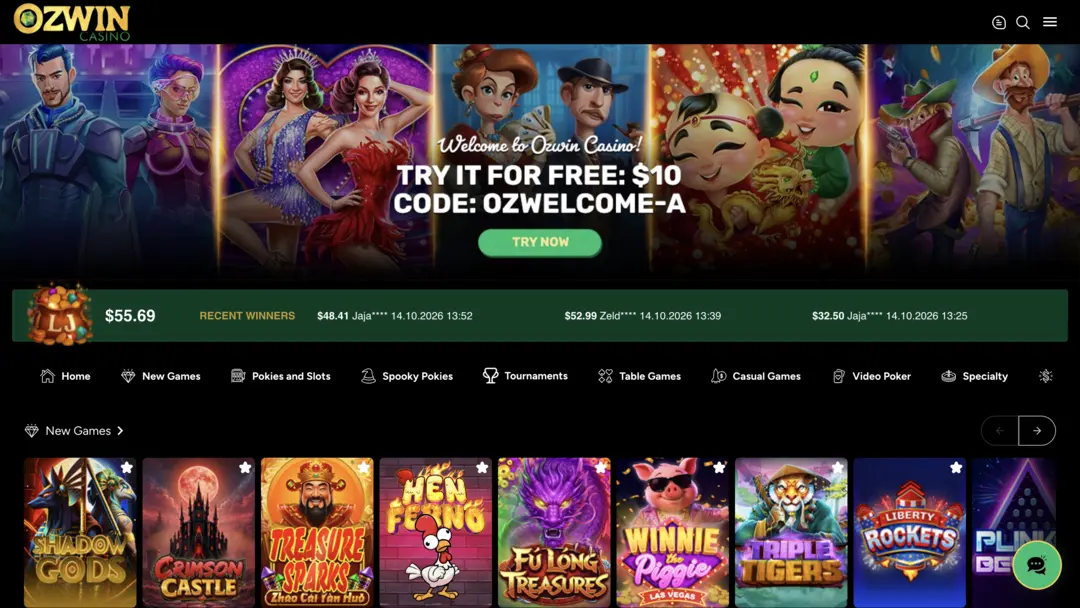
Mobile browser access on Android and iOS
You can reach our instant-play games in a browser on an Android or iOS phone or tablet. Any browser works for instant play, so you do not need a specific mobile browser. For Ozwin casino app access, open our site directly in your browser; we do not offer a native casino app or an installer to download.
- Open Ozwin in your device browser.
- Choose Log In if you have an account, or Sign Up if you need to create one.
- Browse the games and choose an available play option that suits what you want to do.
Our Ozwin casino library includes slots, table games and board games accessible across mobile, PC and tablet browsers. You can explore the broader selection from the same browser-based experience; the games displayed in the library can change.
Practice Mode and desktop demo play
Both mobile and desktop use browser-based instant play, but the route into demo play differs.
| Device | Instant-play access | Demo-play access |
|---|---|---|
| Desktop browser | Available across browsers | Available while logged out |
| Android or iOS mobile browser | Available on phones and tablets | On phones, use an account and select Practice Mode where available; tablet demo controls are not separately described in the FAQ |
On a computer, Google Chrome is our recommended browser for the best experience, though desktop instant play is available across browsers. On mobile, use an account and choose Practice Mode instead of following the desktop logged-out demo route. This does not mean every game necessarily offers a demo option.
If you already have an account, use it rather than signing up again. Our terms allow one real-money account per player name; duplicate accounts may be closed or merged, and related winnings may be voided.
Account actions in the mobile browser
The browser also provides mobile account controls. Once logged in, you can tap Deposit at the top, choose a method and follow its steps. For a withdrawal, open the top-right menu and select Withdrawal. Fees apply to some withdrawal methods, so check the conditions for the method you choose. If account verification is requested, the mobile route is Withdraw → Account Verification, where you can upload the requested documents.
Practice play and promotions are separate choices. Before claiming an offer, check its eligibility and wagering conditions on our Ozwin casino no deposit bonus page rather than assuming a promotion comes with Practice Mode.
FAQ
Does Ozwin offer a native Android or iOS app?
No. The page says to open Ozwin in an Android or iOS browser; it does not offer a native casino app or installer.
Can I play a demo on a phone while logged out?
On a phone, the page says to use an account and select Practice Mode where available. The logged-out demo route is described for desktop; tablet demo controls are not separately described in the FAQ.